
Best Free Time Tracking Tool
for Small Teams Worldwide
Obsrvr is free time tracking software for up to 10 seats—no credit card required. Get real-time activity insights, timesheets by project and client, and privacy-first monitoring on desktop and mobile.
Time Tracking Features Built for Teams
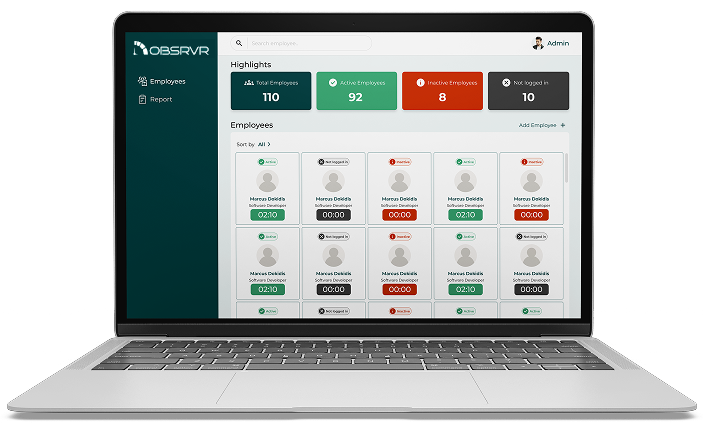
Everything you need for project time tracking, timesheets, billable hours visibility, and productivity reports—without invasive surveillance.
Real-Time Time & Activity Tracking
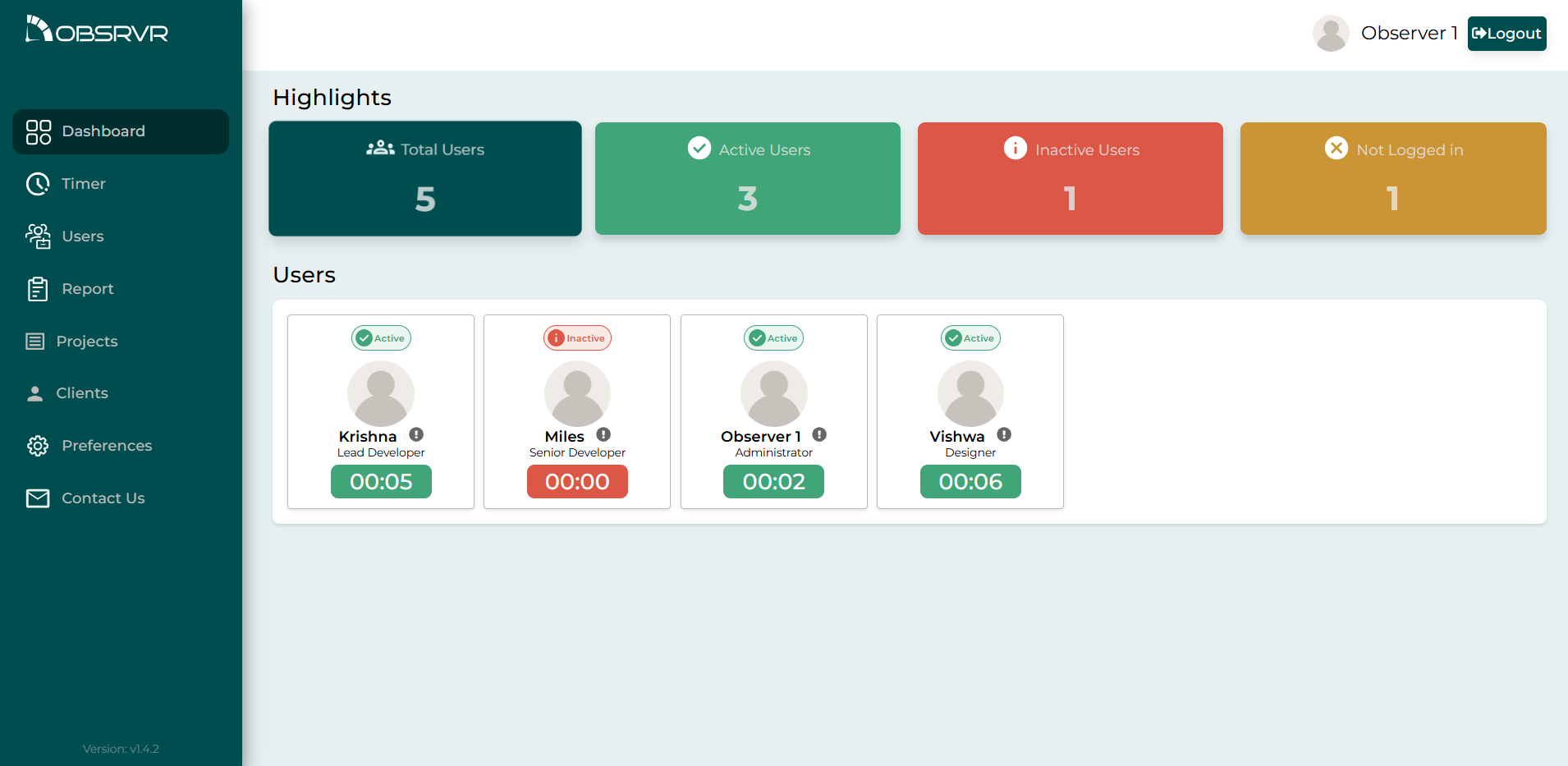
See who is working or idle in real time. Track time on tasks and projects so managers get clarity on billable vs. non-billable hours without micromanaging.
Dashboards & Productivity Reports
One place for timesheet-ready data: task status, team workload, and trends you can act on—ideal for agencies, IT services, and remote teams.
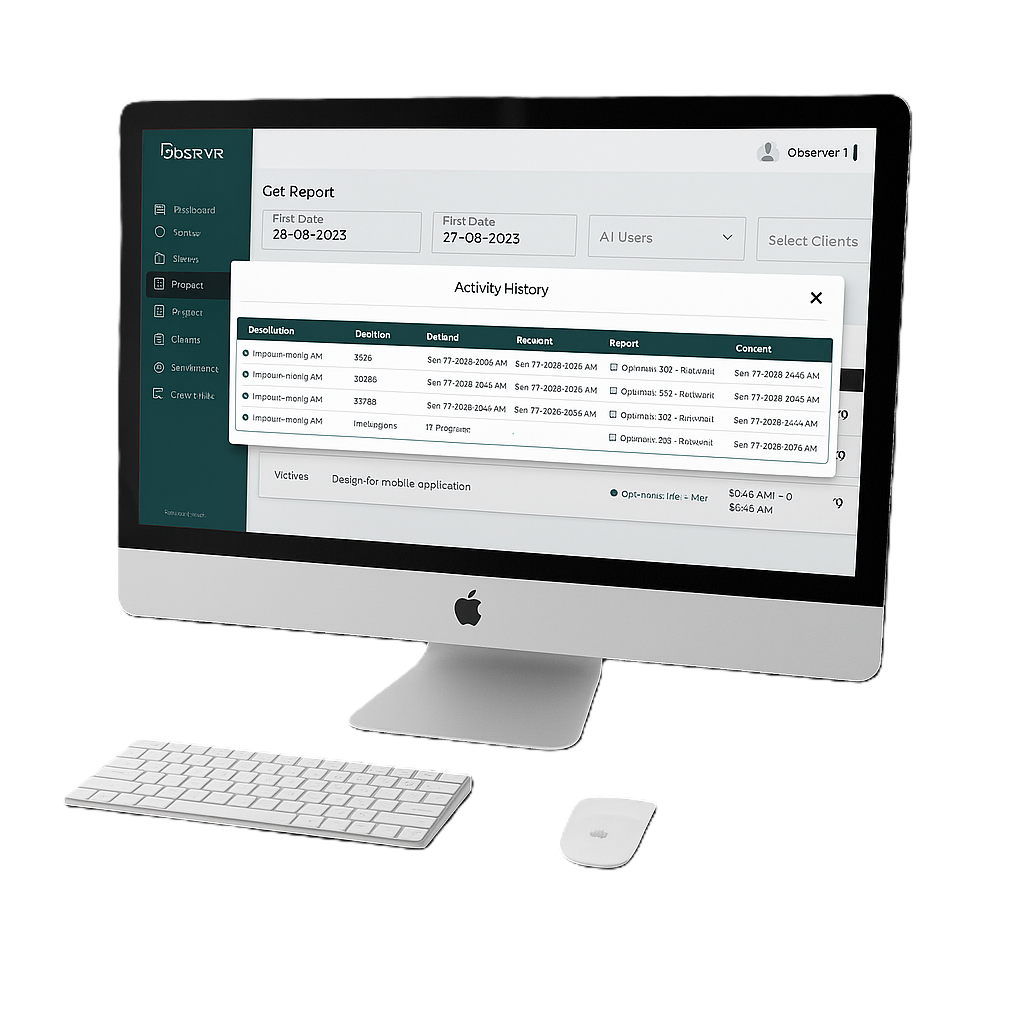
Search, Filter & Export Timesheets
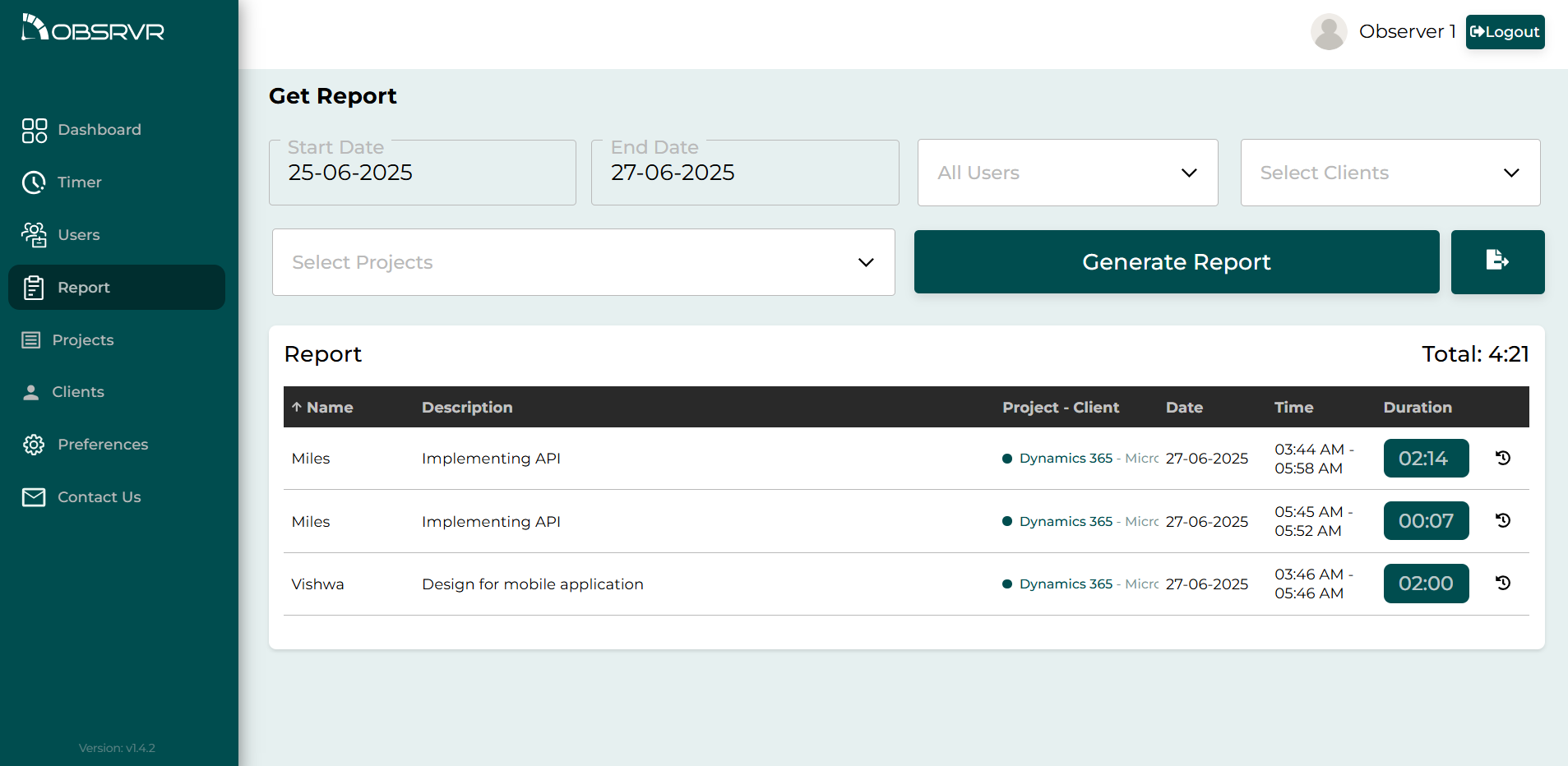
Filter by user, client, or project and date range. Export time entries for payroll, invoicing, and client reporting.
Multi-Timezone for Global Teams
Every teammate sees dates and durations in their preferred zone—perfect for distributed and offshore teams.
Full Task History & Audit Trail
Every task keeps a historical log of time and description changes for accountability and transparent reviews.
Free for Up to 10 Team Members
The Starter plan is free forever for up to 10 seats—a generous free tier when you compare the best free time tracking tools for small teams.
See Obsrvr in Action
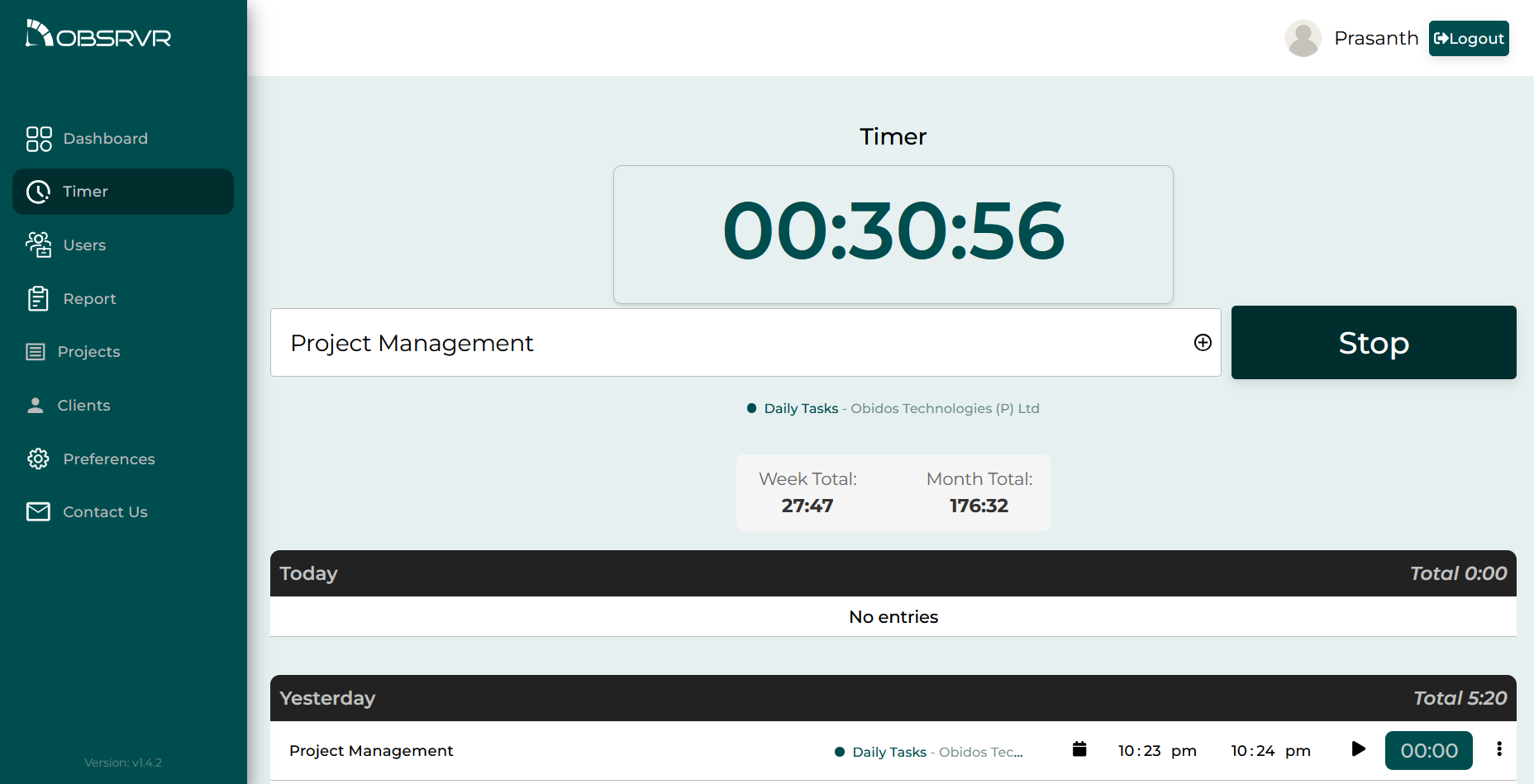
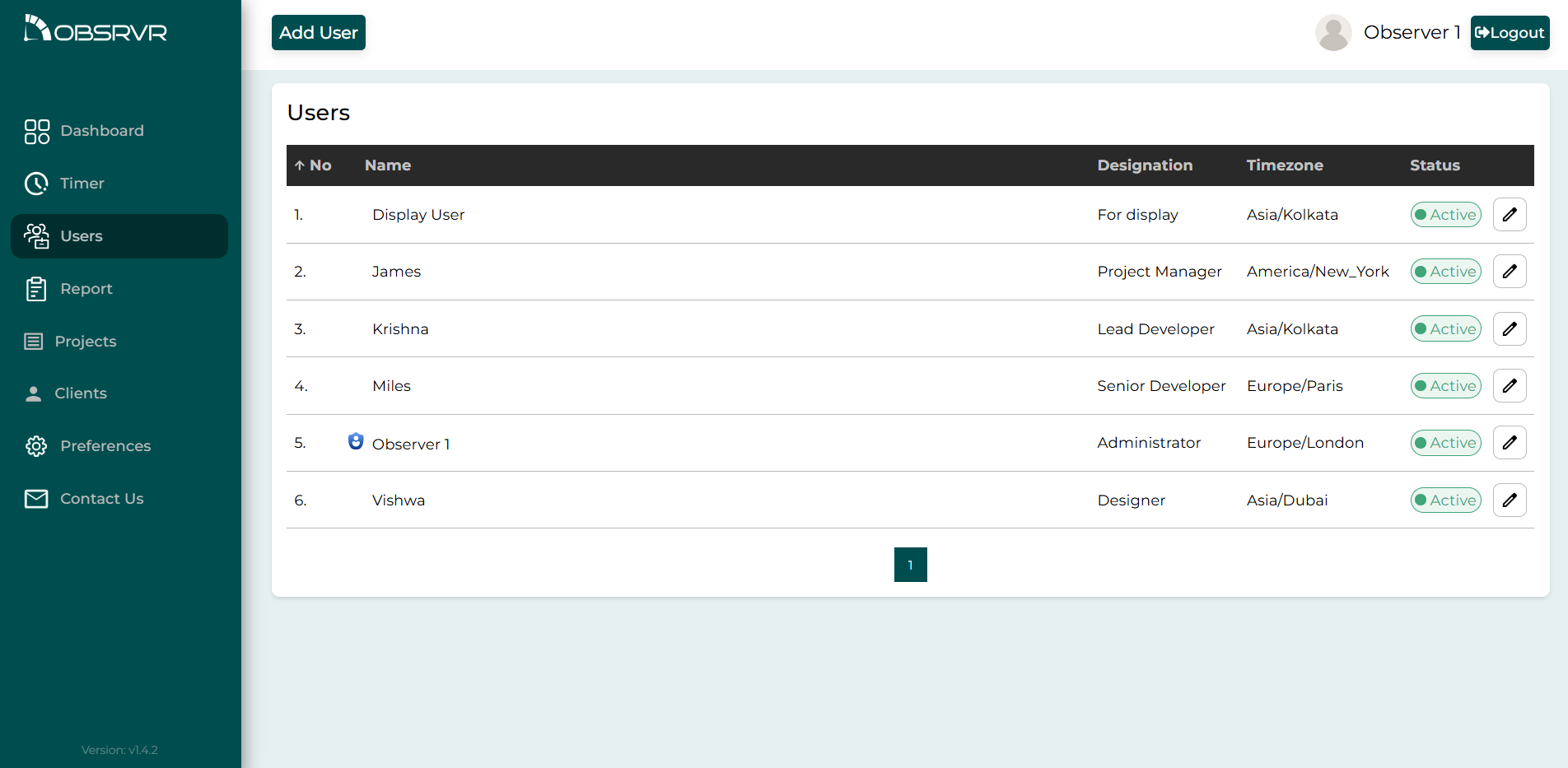
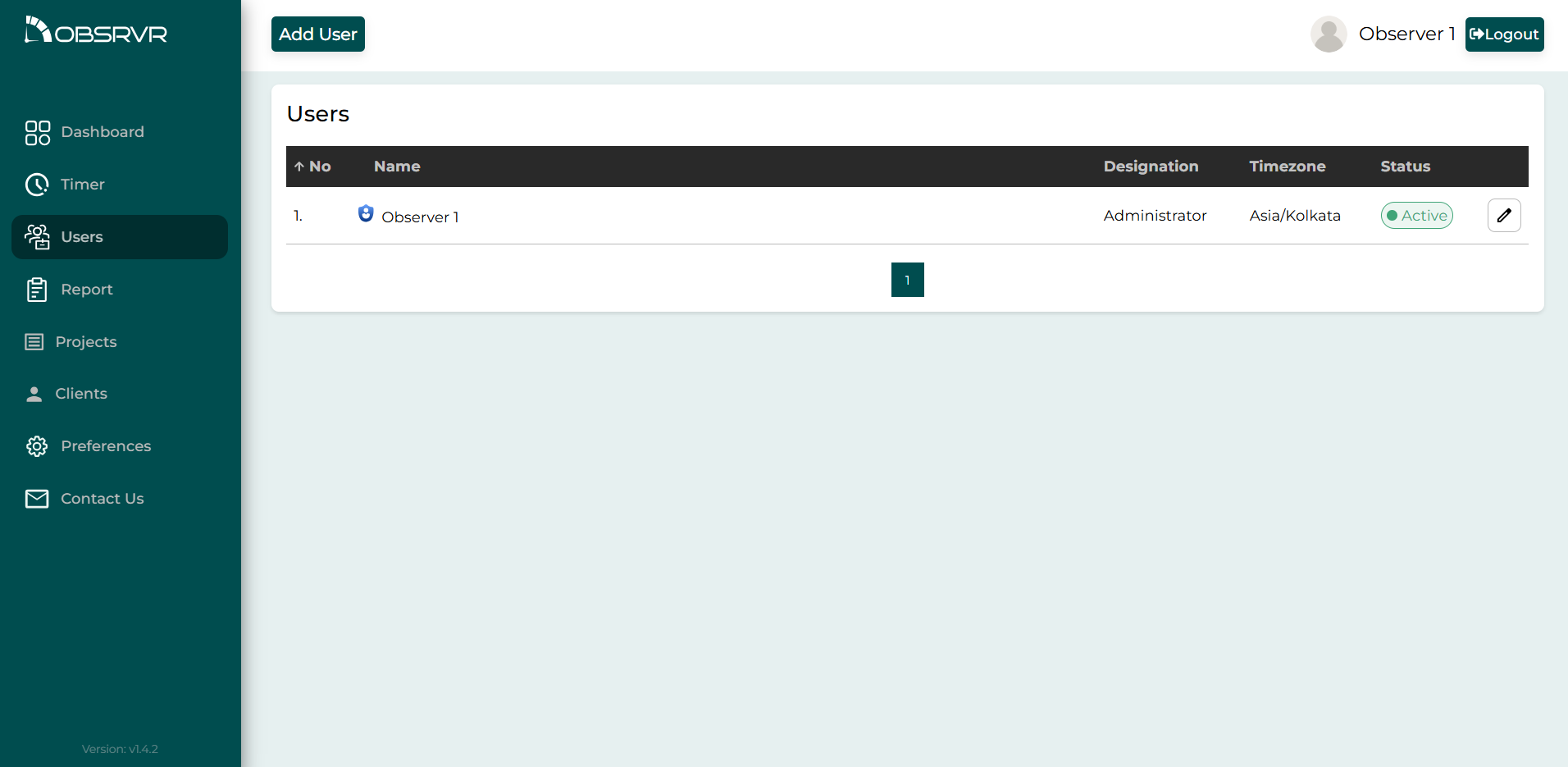
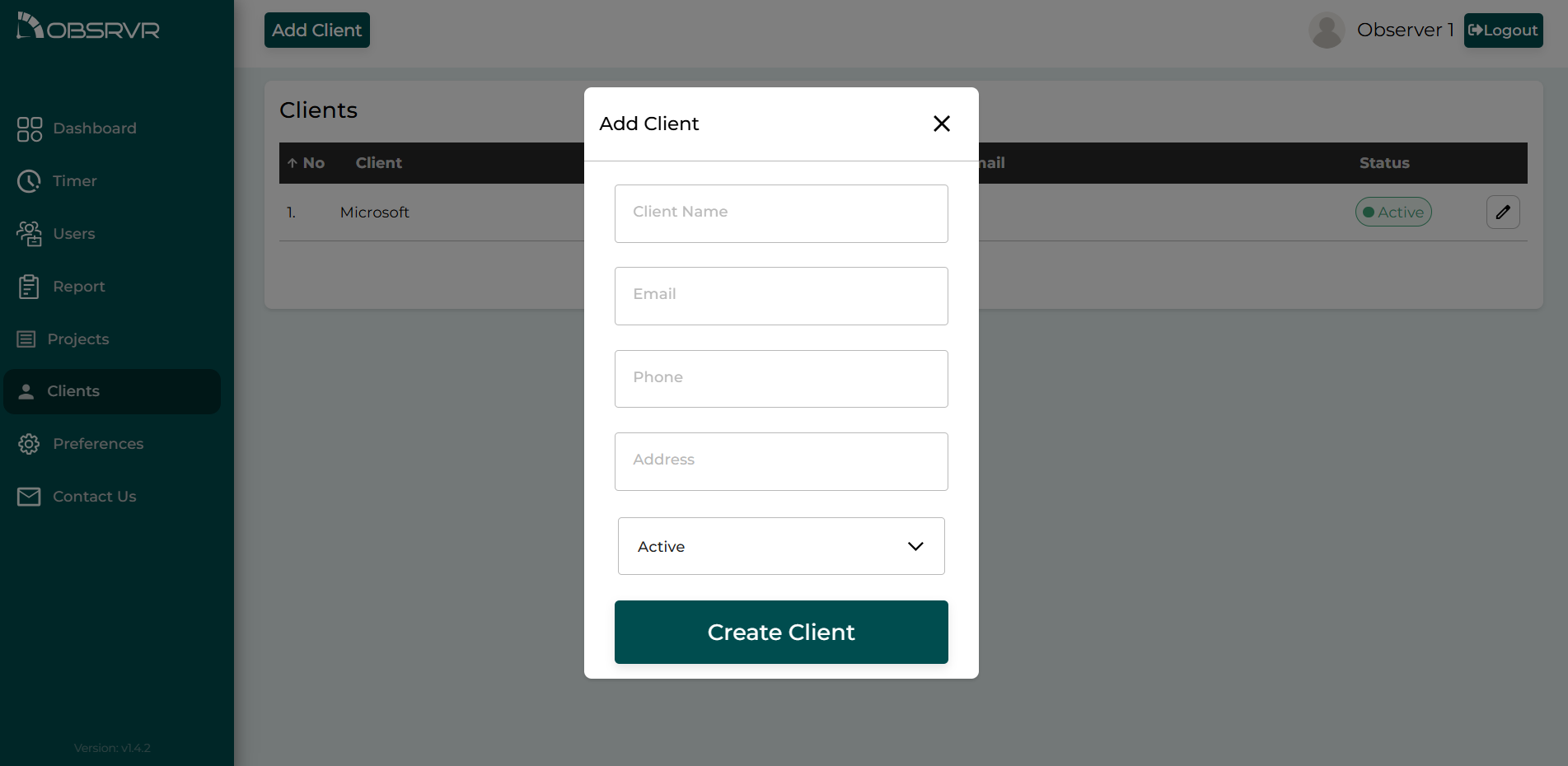
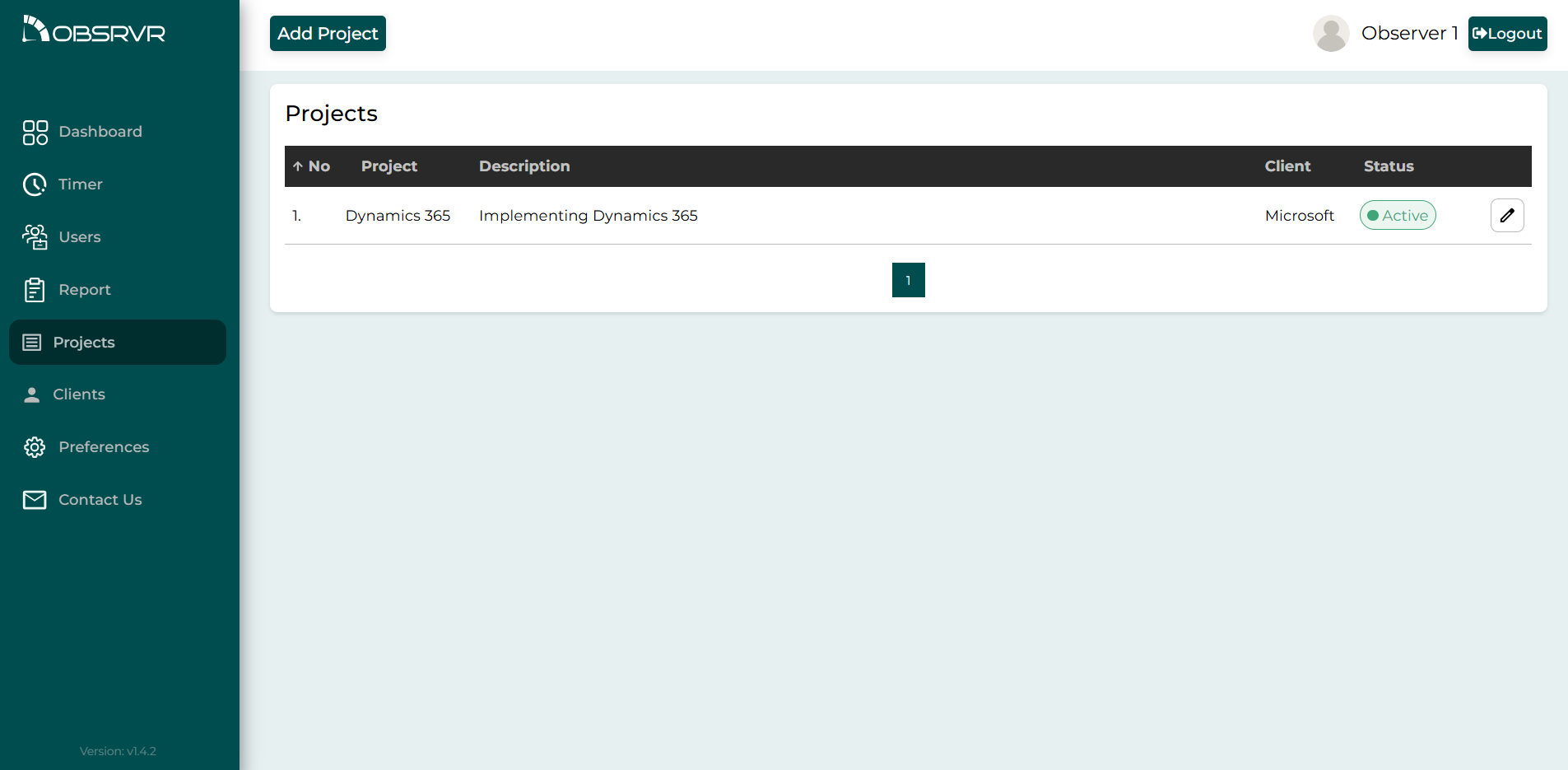
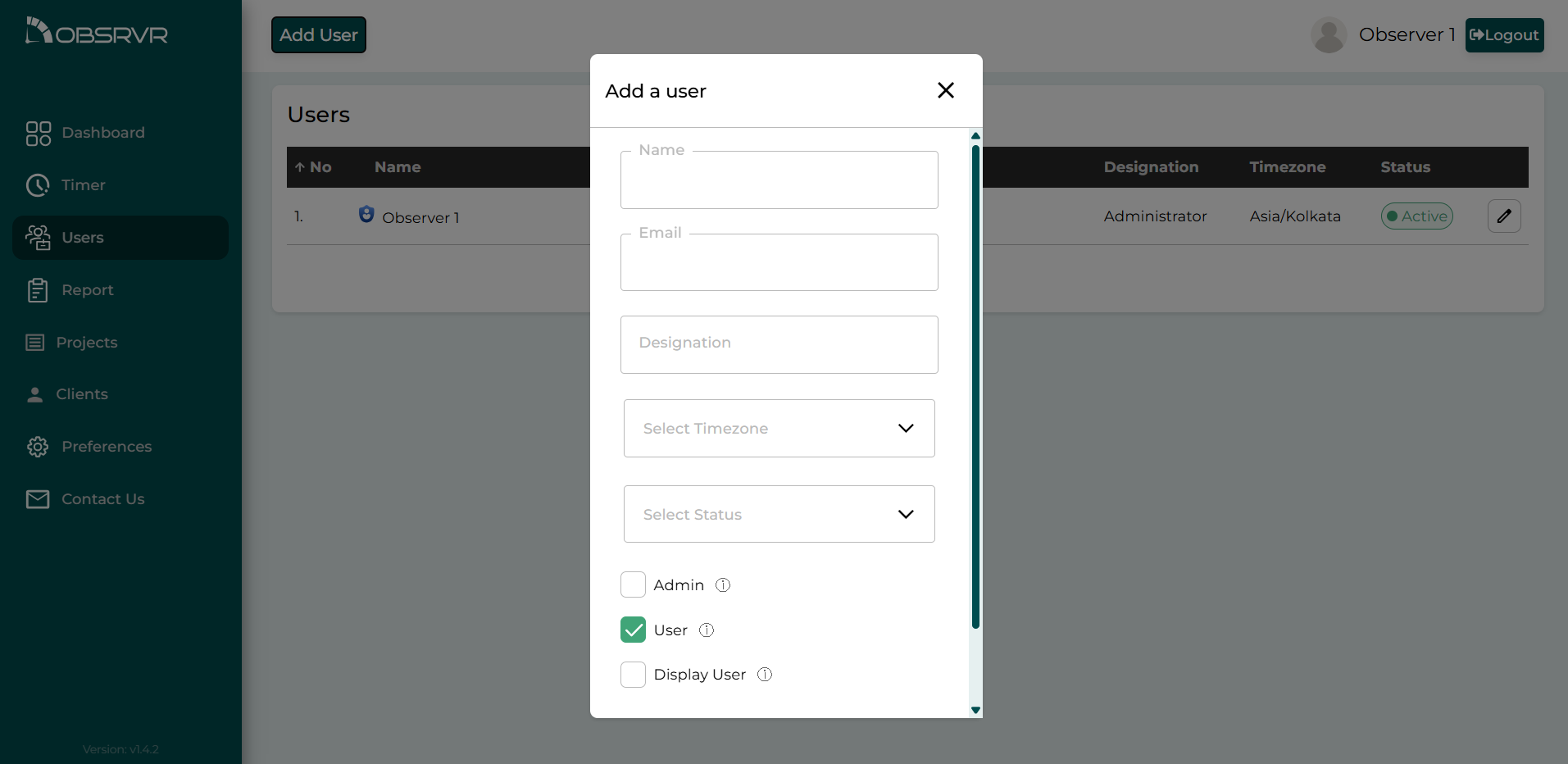
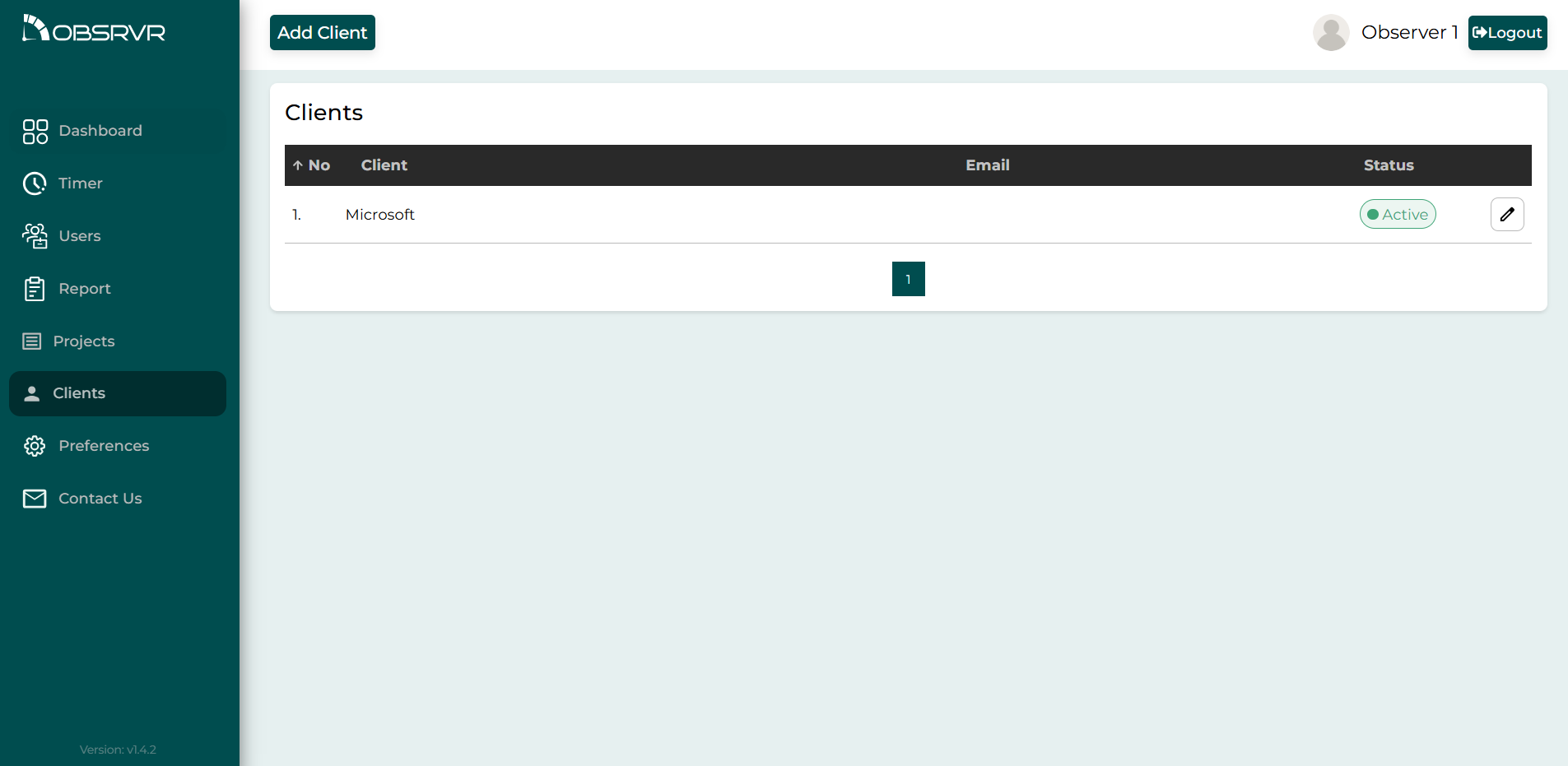
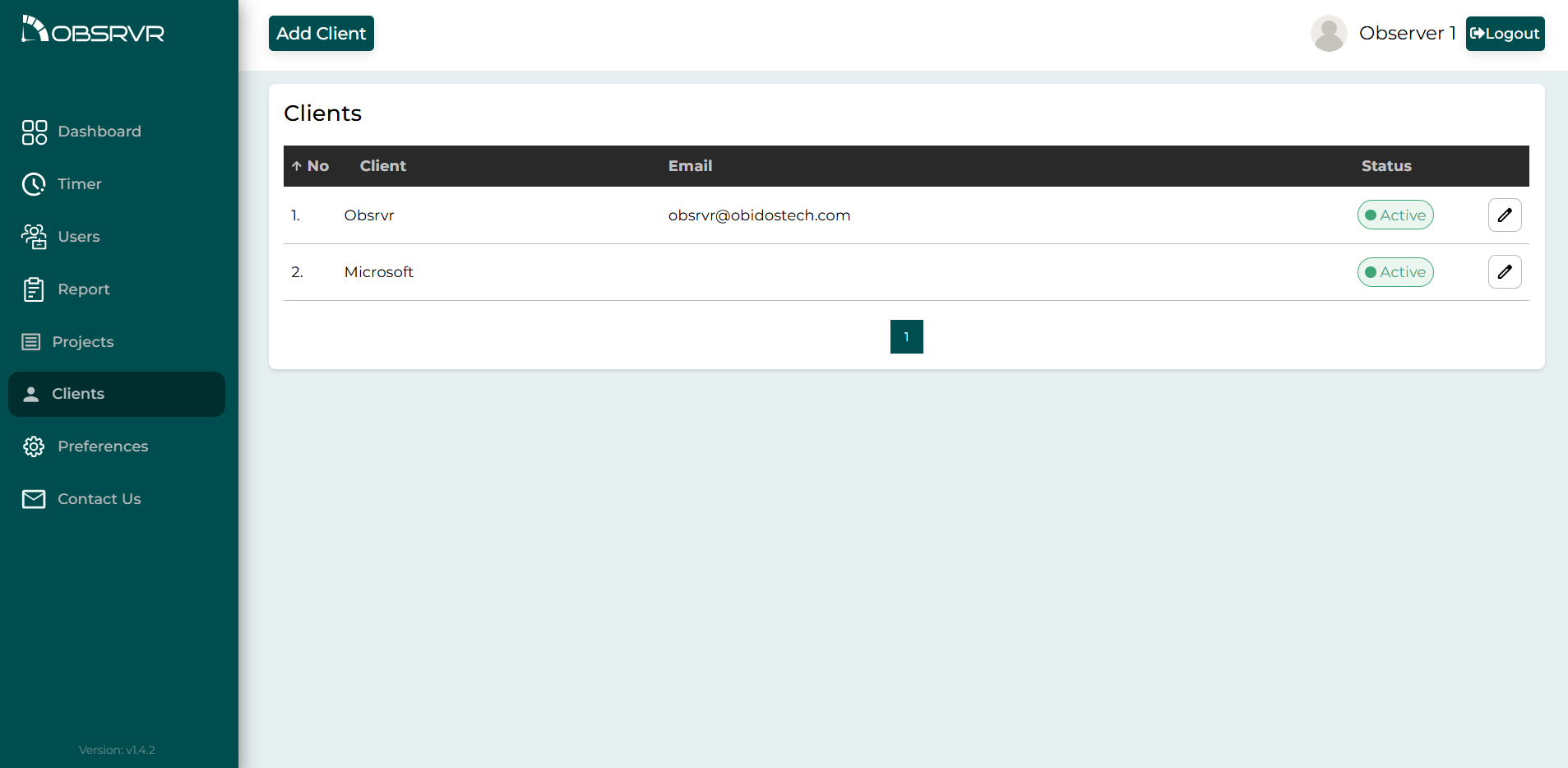
Explore the time tracker app UI: live timers, timesheet reports, user and project lists, and time entries organized by project and client.
How It Works
Start your free time tracking workspace in three steps—no credit card.
Create your free workspace
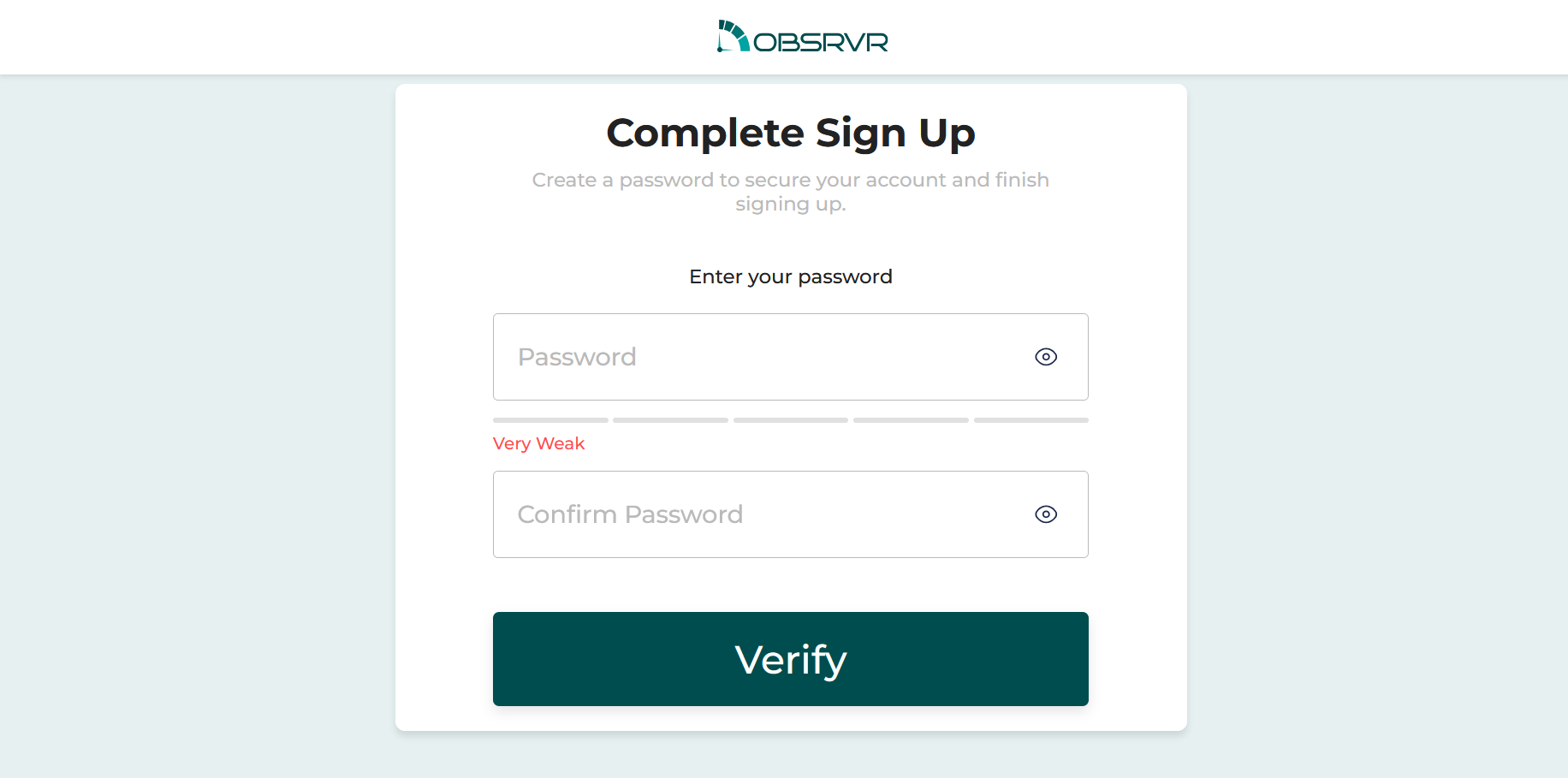
Register for the Starter plan—up to 10 users free forever. Verify your email and set your password to activate your account.
Invite your team
Invite teammates to your workspace and open the Obsrvr time tracker on desktop or mobile.
Start tracking time & view reports
Add projects and clients, run timers, and review timesheets and productivity dashboards.
Simple, Transparent Pricing
The Starter plan is free forever for up to 10 seats—no credit card, no surprise fees. Scale when you are ready; Pro and Premium are coming soon.
Starter
Free
- ✓ 10 seats
- ✓ Dashboard Access
- ✓ User Monitoring
- ✓ Projects and clients
- ✓ Change history for tasks
- ✓ Search and Export
Pro
Coming soon
- ✓ 30 days
- ✓ 100 seats
- ✓ Upto 50 Departments
- ✓ Dashboard Access
- ✓ Dashboard Admin
- ✓ User Monitoring
Premium
Coming soon
- ✓ 30 days
- ✓ Custom reporting
- ✓ Upto 100 departments
- ✓ Dashboard Access
- ✓ Dashboard Admin
- ✓ User Monitoring
Loved by Teams Worldwide
Real feedback from teams using Obsrvr for employee time tracking and productivity.
Best free time tracking tool we tried
"We compared several apps—Obsrvr's 10-seat free plan and clean dashboards won us over for our small agency."
Ravi N.
Digital agency lead
Frequently Asked Questions
Everything you need to know about Obsrvr as a free time tracking tool for global teams.
Is Obsrvr really free?
Yes. The Starter plan is free forever for up to 10 seats with core time tracking, dashboards, projects and clients, task history, and search and export. No credit card is required to get started.
How many users can I add on the free plan?
You can add up to 10 team members on the free Starter plan—ideal for small teams, startups, and agencies evaluating the best free time tracking software for their workflow.
Is Obsrvr suitable for remote teams?
Yes. Obsrvr is built for distributed and hybrid teams worldwide with multi-timezone support, real-time visibility, and export-friendly timesheets so managers stay aligned without micromanaging.
Does Obsrvr capture screenshots or keystrokes?
No. Obsrvr is privacy-first: it does not take screenshots or log keystrokes. It focuses on time entries, activity status, and productivity insights your team can trust.
Which platforms and devices does Obsrvr support?
Obsrvr runs in the browser and supports desktop and mobile use so your team can track time and review dashboards from the devices they already use.
Why choose Obsrvr as a free time tracking tool?
Obsrvr combines real-time team monitoring, project and client time tracking, searchable history, exports for payroll and reporting, encryption, and a generous free tier—making it a strong choice when you compare the best free time tracking tools for small teams.